> ## Documentation Index
> Fetch the complete documentation index at: https://docs.goarif.co/llms.txt
> Use this file to discover all available pages before exploring further.
# Register and Login
> GO ARIF Web App – User Guide.
GO ARIF is a powerful web app designed to help you analyze data, transcribe audio, segment customers, detect sentiment, and many more including generate tables effortlessly. This guide will walk you through each feature and how to use it step by step.
## **Getting Started: Register & Login**
Before you start analyzing data, you need to register for an account:
**[](https://docs.goarif.co/register-login)**
### **Register an Account**
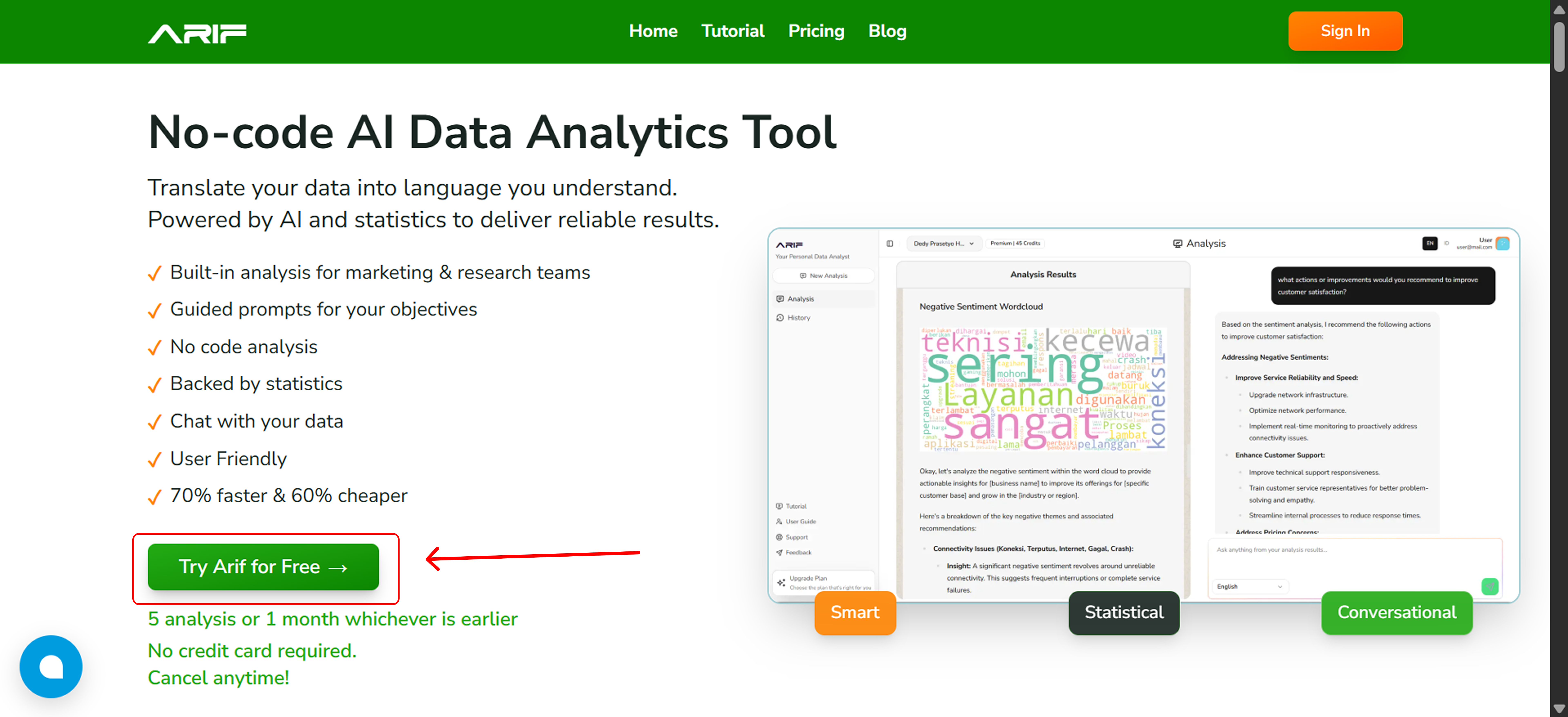
1. Click the **"Try Arif for Free"** button to go to the registration page or visit *app.goarif.co*
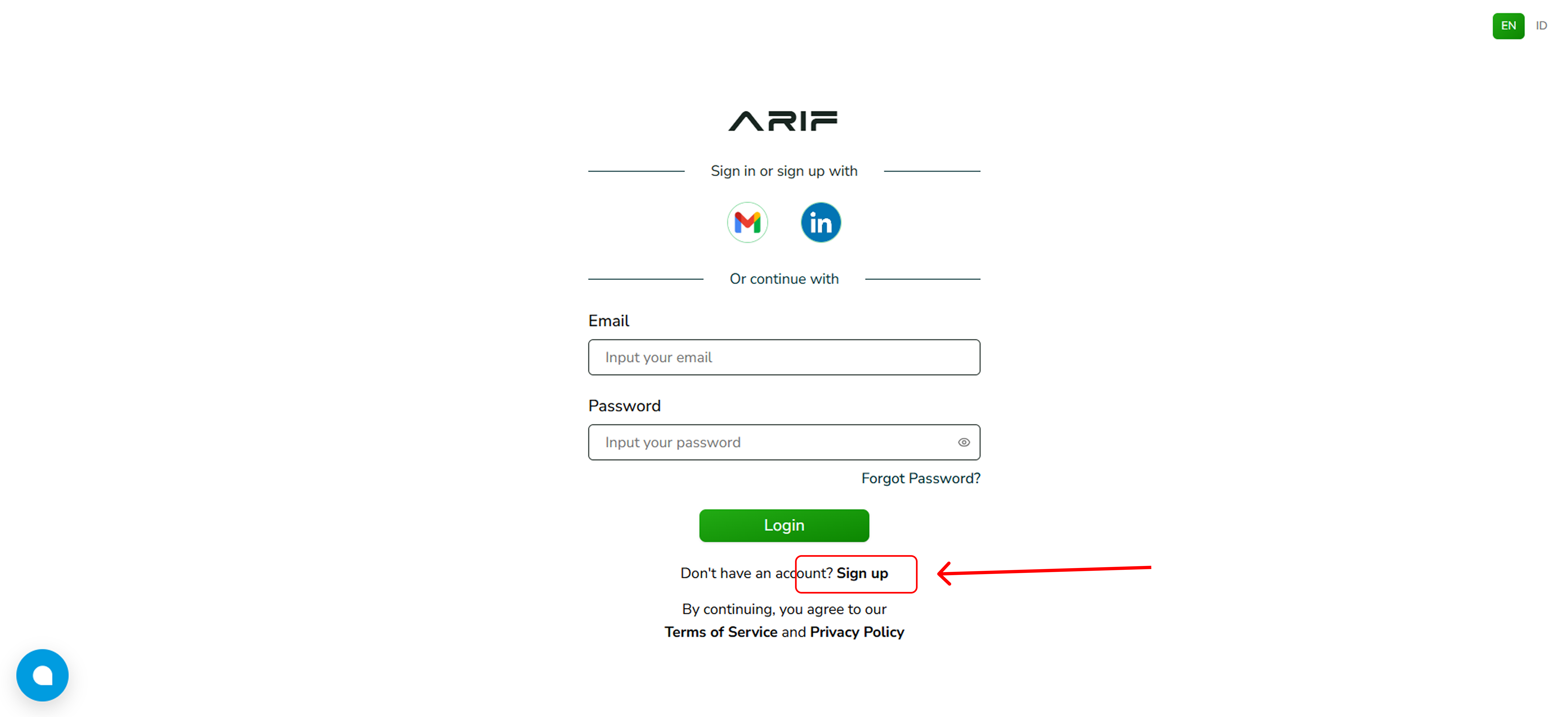
 2. To create an account, click the **"Sign up"** button.
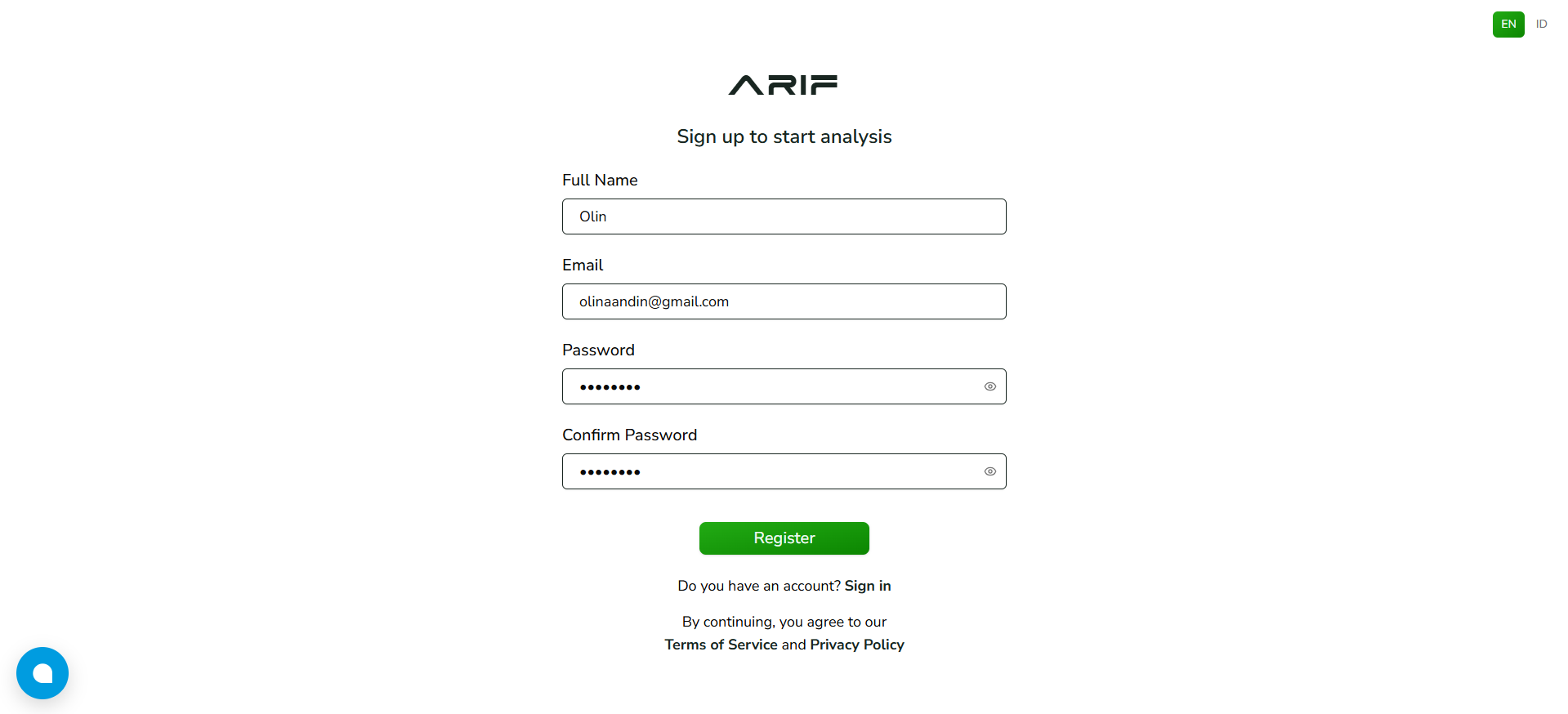
 3. Fill in your name, email, and password in the provided fields, then click register.
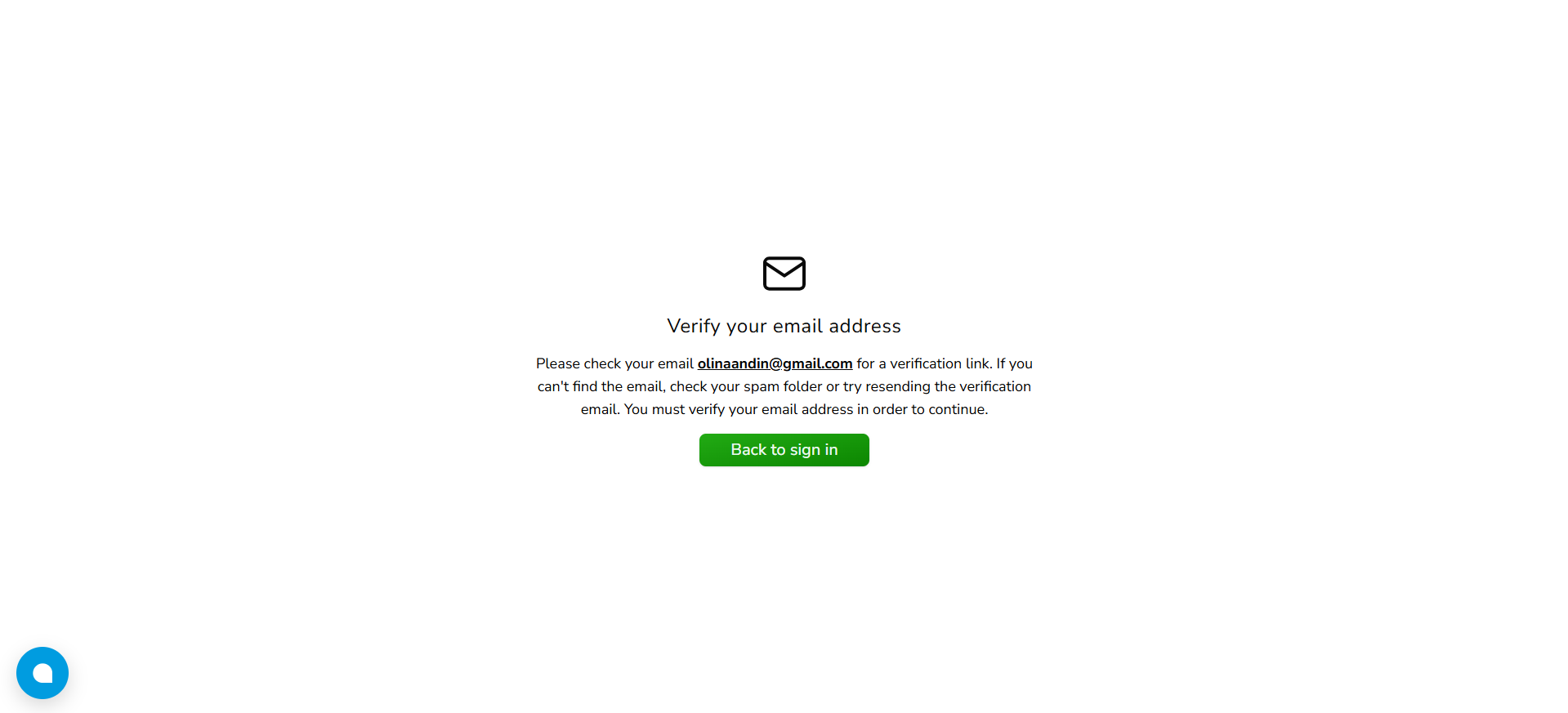
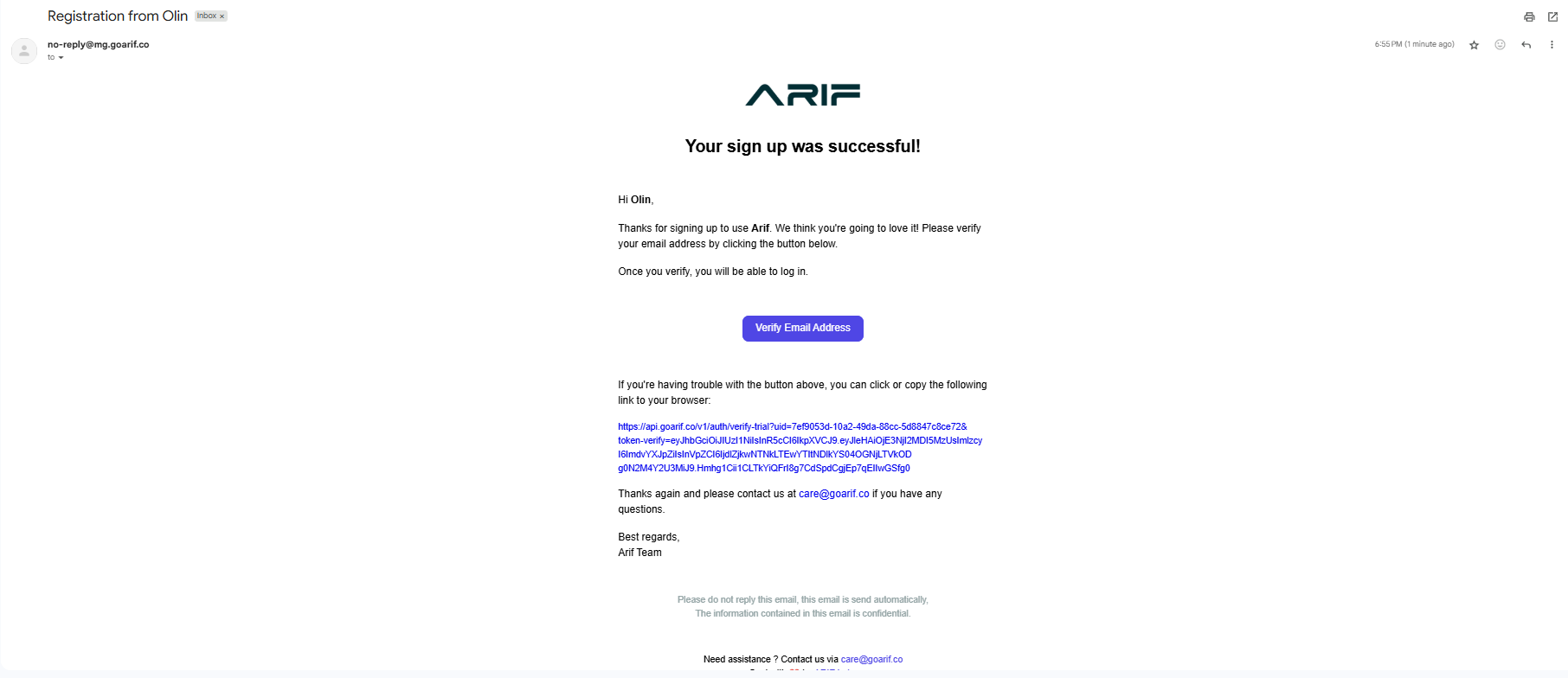
 4. Check your email for an account verification link and do verification for your email.
If you haven't received the email verification, please check the spam folder or make sure the email address is entered correctly.
4. Check your email for an account verification link and do verification for your email.
If you haven't received the email verification, please check the spam folder or make sure the email address is entered correctly.
 5. Click the verification link in your email.
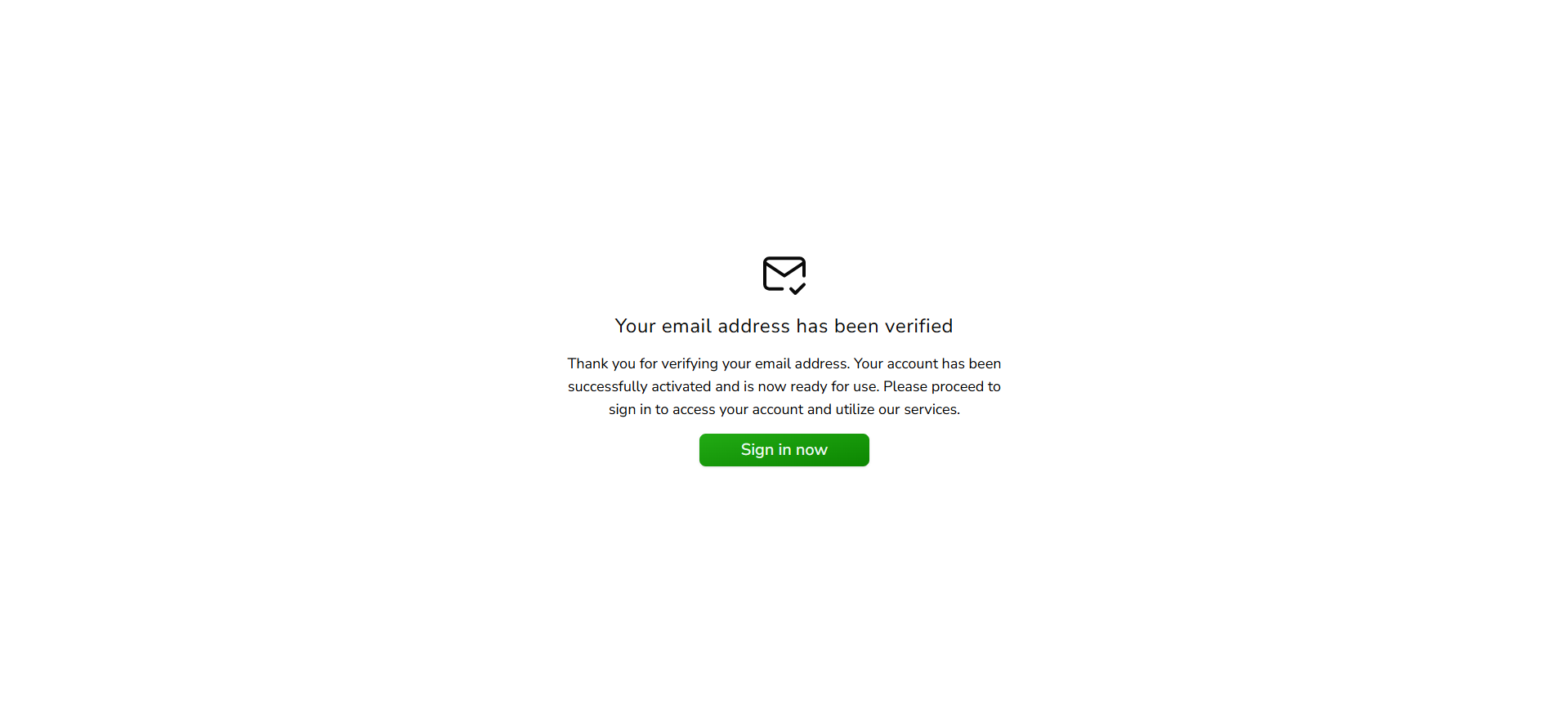
 6. Your email has been verified and your ARIF Analytics account is ready to use now.
 ***
### **Login to Your Account**
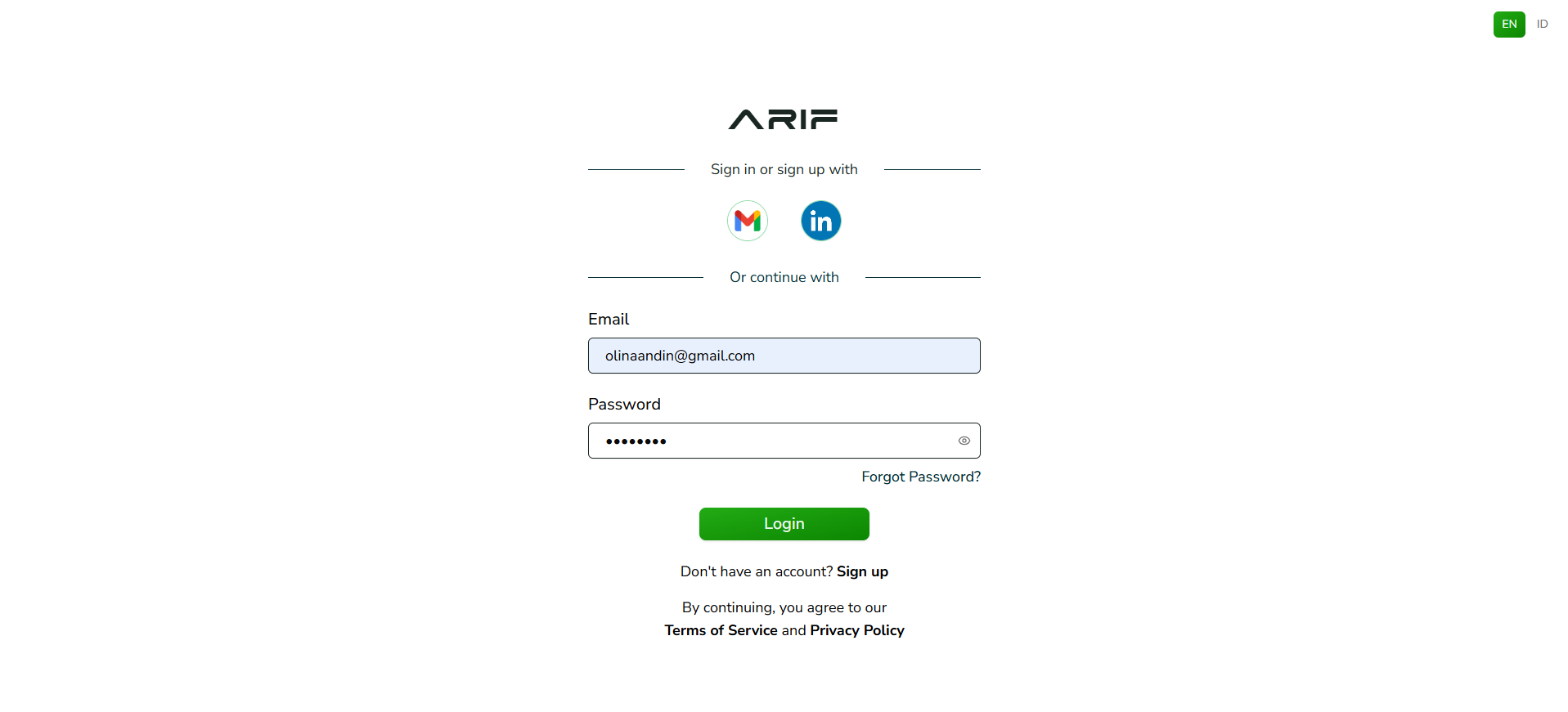
1. After your account is active, go to Login Page. Enter your registered email and password or log in with your Gmail or Linkedin account for quick login.
***
### **Login to Your Account**
1. After your account is active, go to Login Page. Enter your registered email and password or log in with your Gmail or Linkedin account for quick login.
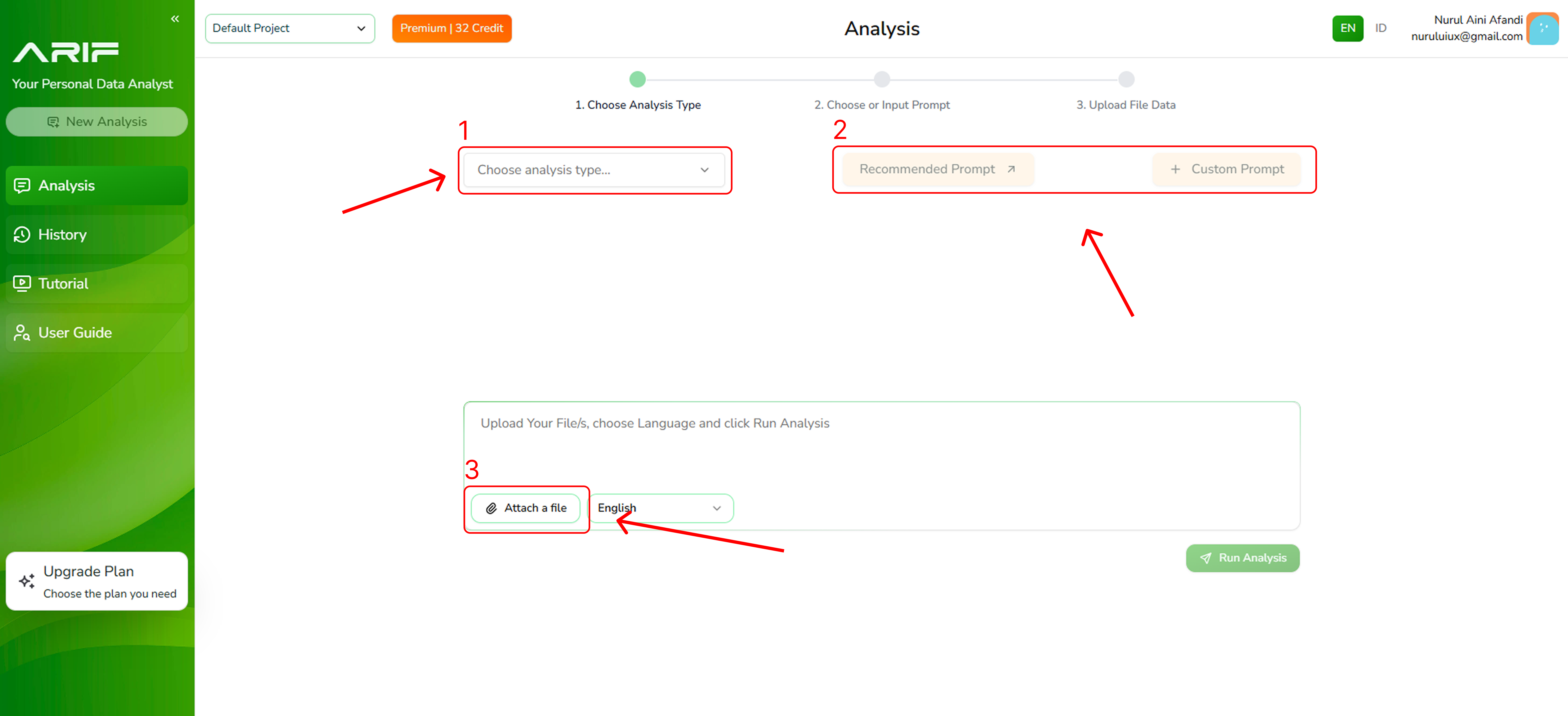
 2. You can start your analysis in 3 simple steps:
1\. Select the type of analysis
2\. Choose a recommended prompt from the list or create your own prompt that suits your objectives
3\. Upload the file you want to analyze.
Once everything is set, click **“Run Analysis”** to generate your results.
2. You can start your analysis in 3 simple steps:
1\. Select the type of analysis
2\. Choose a recommended prompt from the list or create your own prompt that suits your objectives
3\. Upload the file you want to analyze.
Once everything is set, click **“Run Analysis”** to generate your results.
 **Disclaimer: Before you start analyzing your data, you need to set your Team and Project under Default Teams and Projects on the top left platform.**
***
**Disclaimer: Before you start analyzing your data, you need to set your Team and Project under Default Teams and Projects on the top left platform.**
***