> ## Documentation Index
> Fetch the complete documentation index at: https://docs.goarif.co/llms.txt
> Use this file to discover all available pages before exploring further.
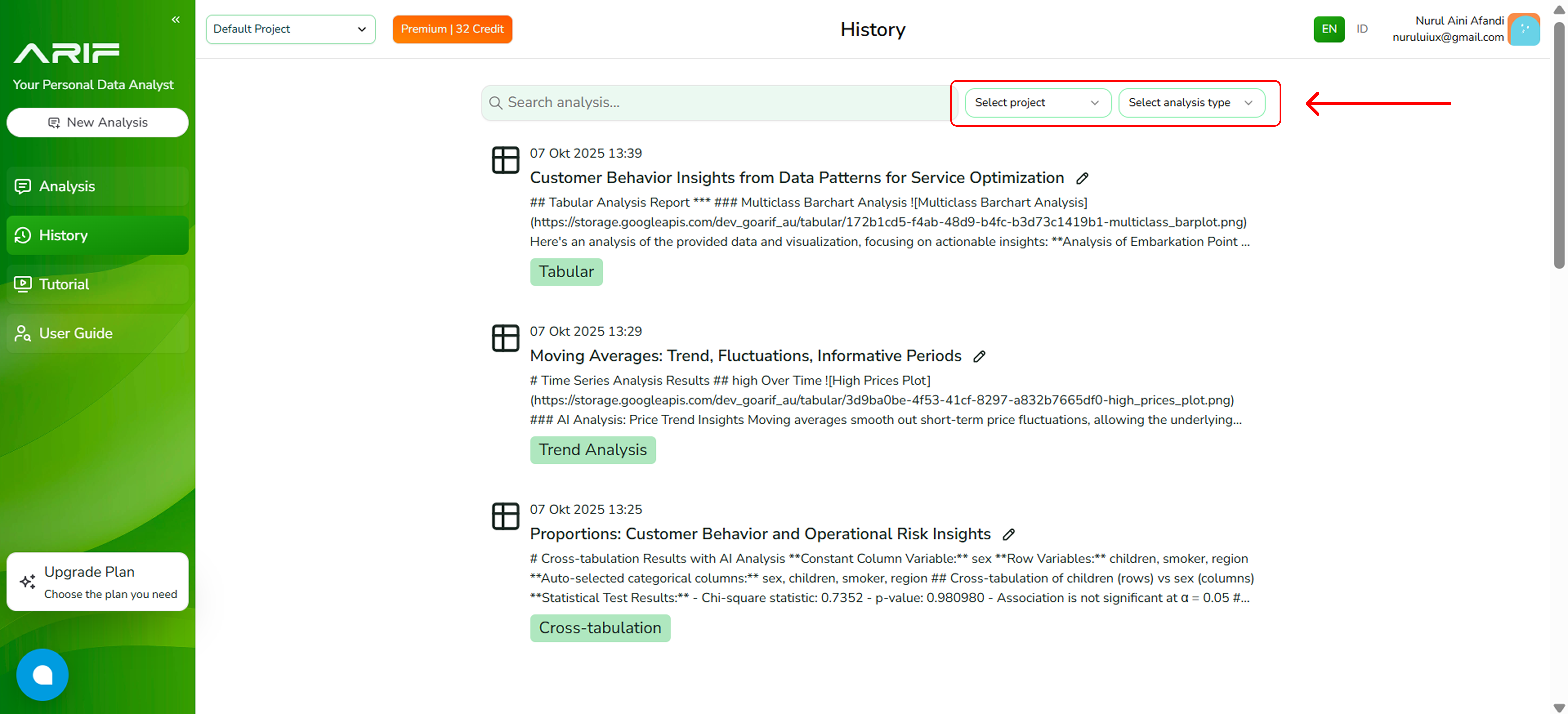
# History
> Easily track and revisit your past data analyses. The History page provides a chronological list of your recent activities, allowing you to view, manage, or continue previous insights generated by the AI. Stay organized and never lose track of your analytical progress.
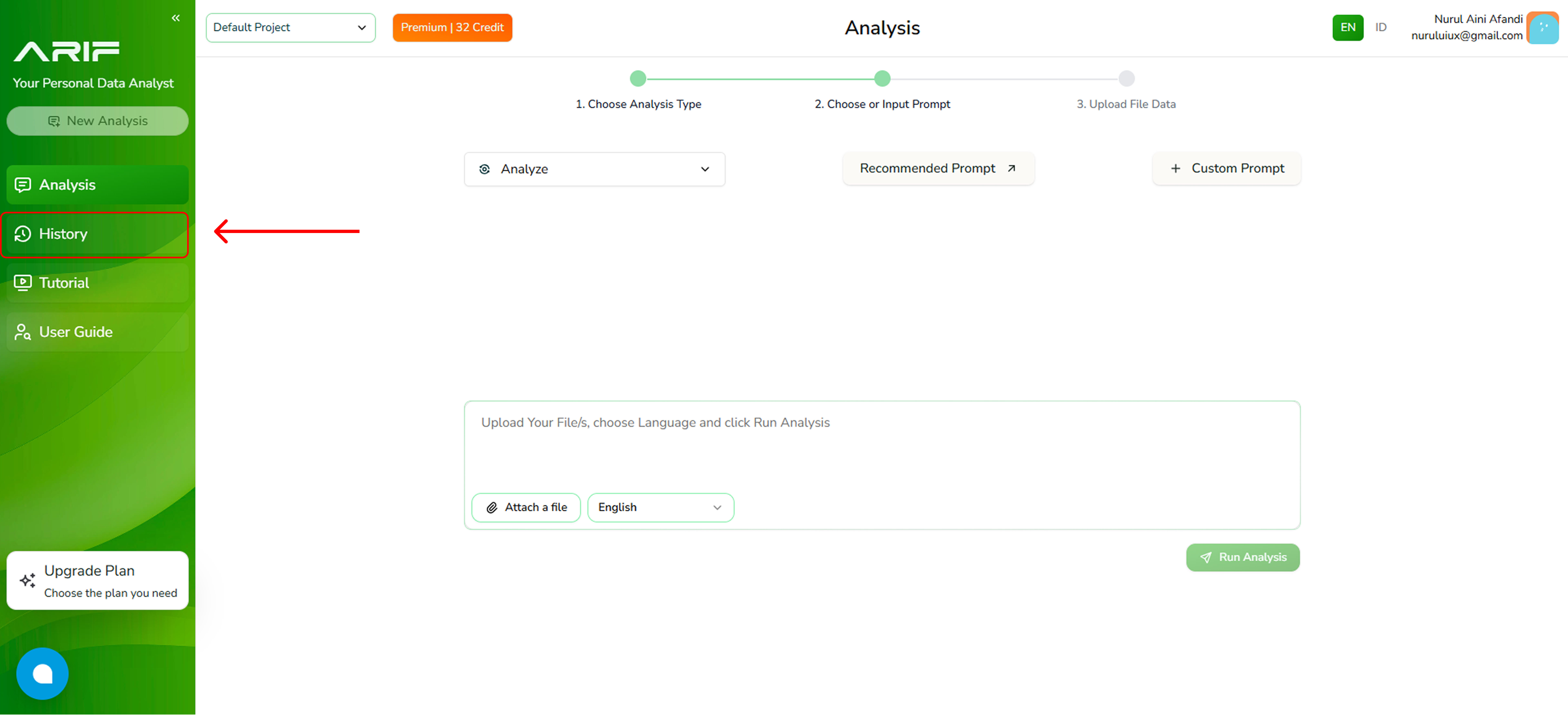
1. Click the **"History"** button on the side bar.
 2. Here’s a complete record of your previous work. Browse, filter, or search to quickly revisit and continue your past data analyses.
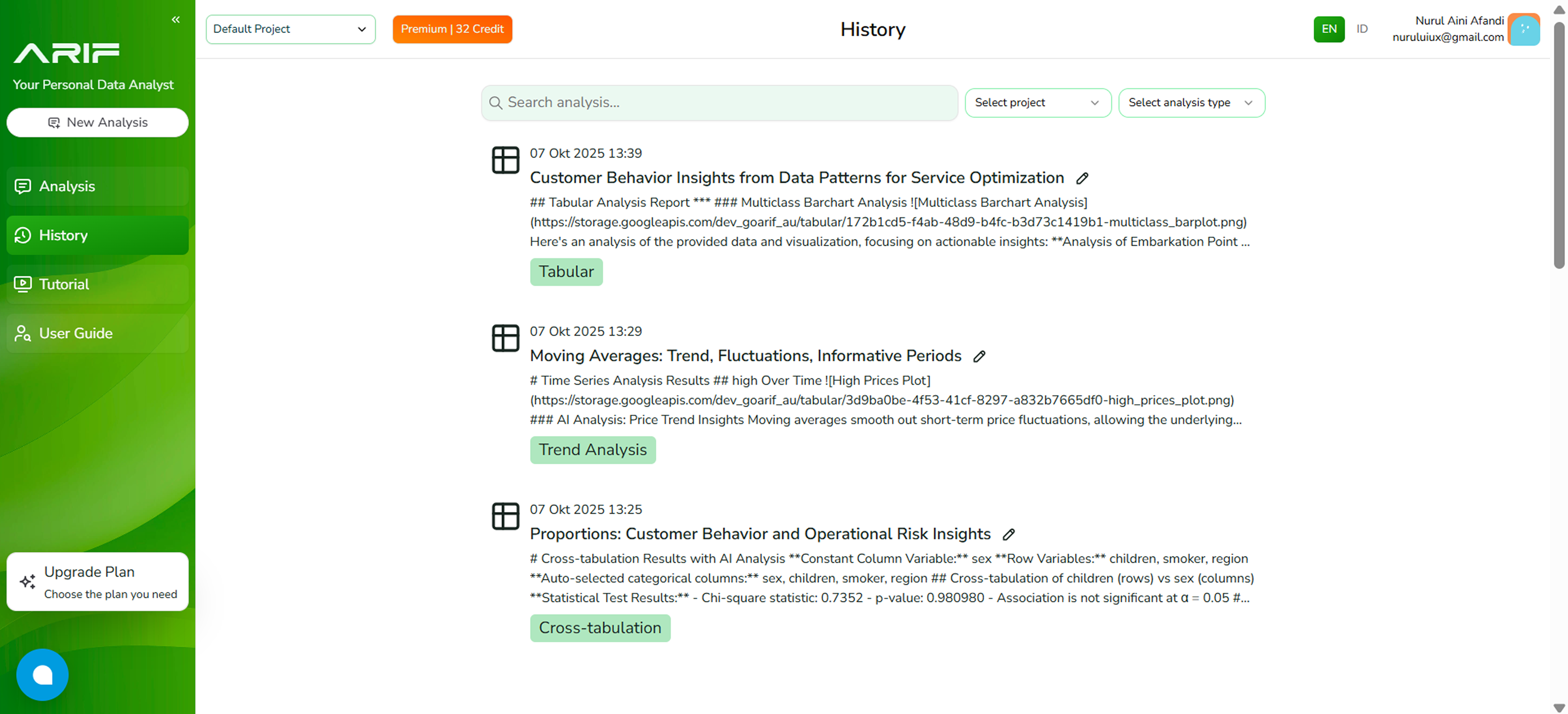 3. The history can be filtered by team project or analysis type, making it easier to manage and locate previous work.